 Facebook
 Google
 LinkedIn
https://lasma.eu/en/search/products

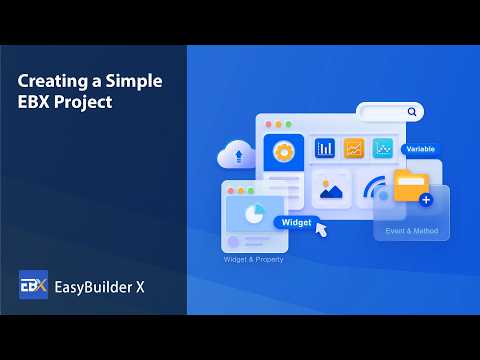
Weintek EasyBuilder X is a new visualization and development environment for cMT X series HMI panels. It replaces direct binding of elements to PLC addresses with an object-based model and a separate variable layer, simplifying project maintenance and reuse. The software is intended for panels with operating system version 20260715 or later.
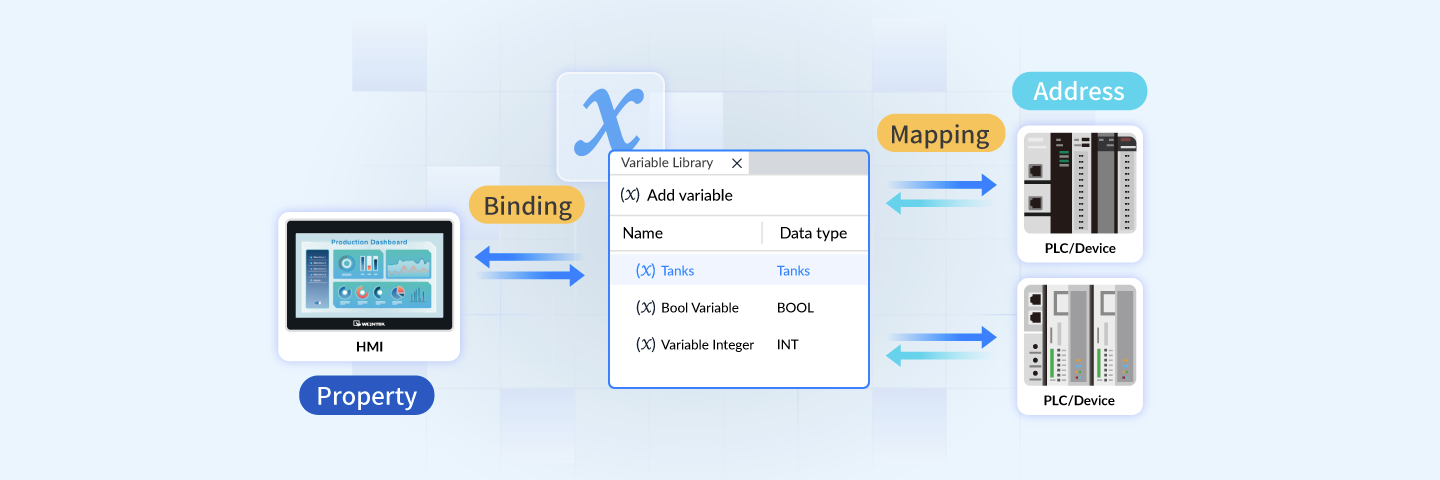
Weintek has officially released EasyBuilder X - the new HMI visualization and development environment, which replaces the previous approach with a more structured and object-oriented model. Unlike traditional environments, where each graphical screen element is bound to direct PLC register addresses, EasyBuilder X introduces a modular structure and a separate variable layer.
In practice, this simplifies the structuring of large projects, reduces development time and ensures clear system maintenance in the long term.
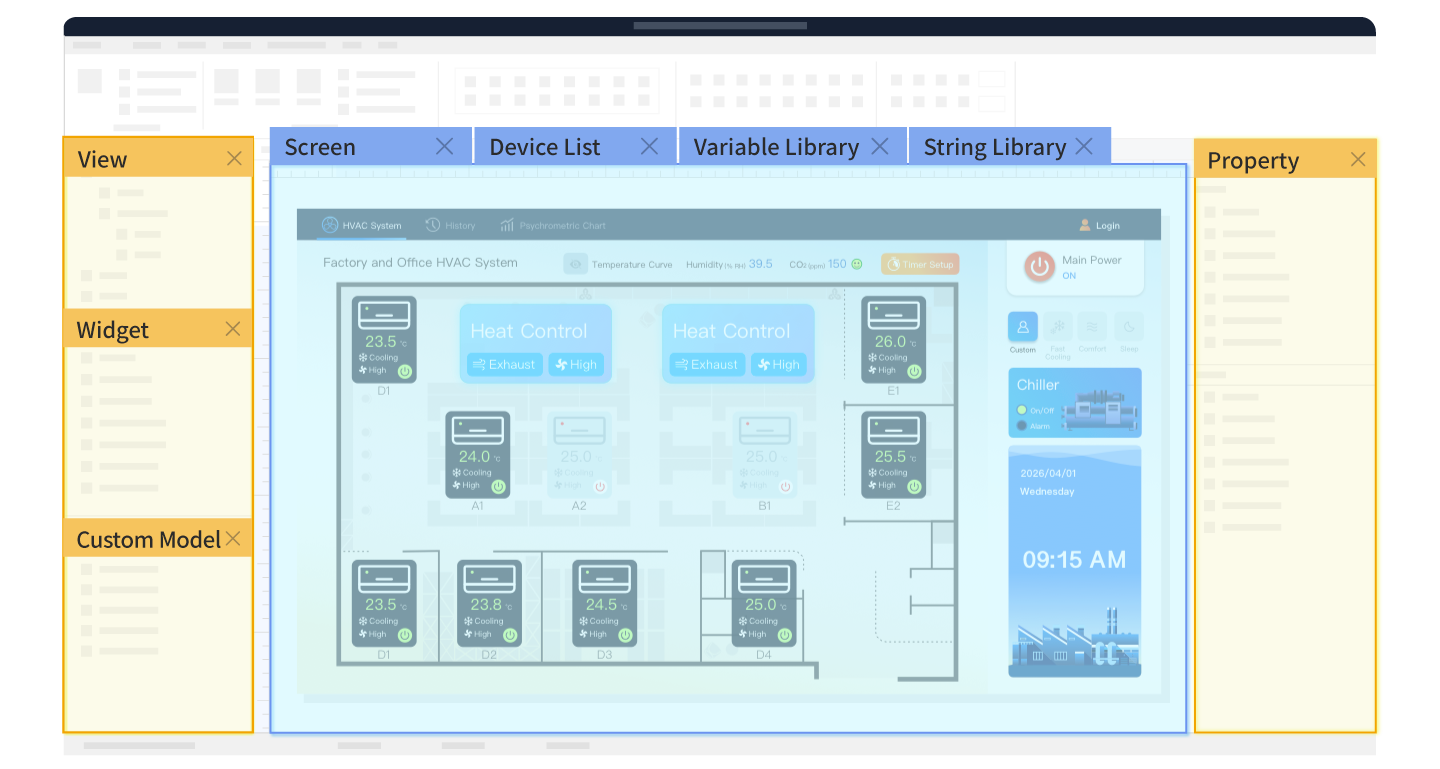
EasyBuilder X workspace with a ribbon interface (Ribbon UI) and combined resource tabs.
Properties (Properties)  Define the object's appearance and data (size, color, state value). Properties can be bound directly to variables or parameters of other objects, providing a dynamic interface response to data changes in real time. | Events (Events)  Respond to state changes (for example, a button press or a limit value being exceeded) and invoke the corresponding actions. Execution logic is stored with the object itself, keeping the project tree clean and easy to understand. | Methods (Methods)  Describe the functions performed by the object (state switching, focus, control). They are invoked through events, preventing code duplication and ensuring smooth process control. |
Variable-based data exchange Element properties are bound to software variables (Variables), which are then mapped to actual PLC addresses. If the controller address map changes, changes are made only in the variable library - the screen elements themselves do not need to be reworked. Data structures: Supports standard data types (BOOL, INT, REAL), built-in types (Color, Range), user-defined structures and Namespaces. | Modular models and batch editing Sets of multiple elements (for example, valve or pump control blocks) can be saved as reusable models (Custom Model) and inserted into the required screens. Group editing: Smart Batch Editing allows parameters to be changed simultaneously for multiple selected objects. A change history of up to 1000 entries is stored in the log. |
EasyBuilder X is intended for cMT X series HMI panels with operating system version 20260715 or later.
Supported models
cMT X Advanced | cMT X Standard |
*The range of supported devices is gradually expanded with subsequent software updates.
If you are planning new development, want to check the compatibility of existing cMT X panels or select suitable firmware, ZTF Lāsma engineers will provide the necessary consultation and ensure equipment delivery.