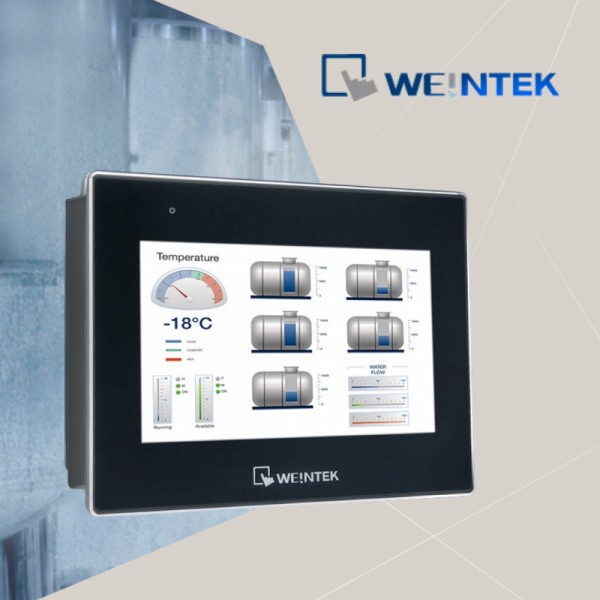
Optimal use of energy resources is the basic task of the automation process. Convenient, transparent and centralized motor speed control will save your time, energy and improve quality of product. Many of our customers have encountered inaccurate data control in their work.
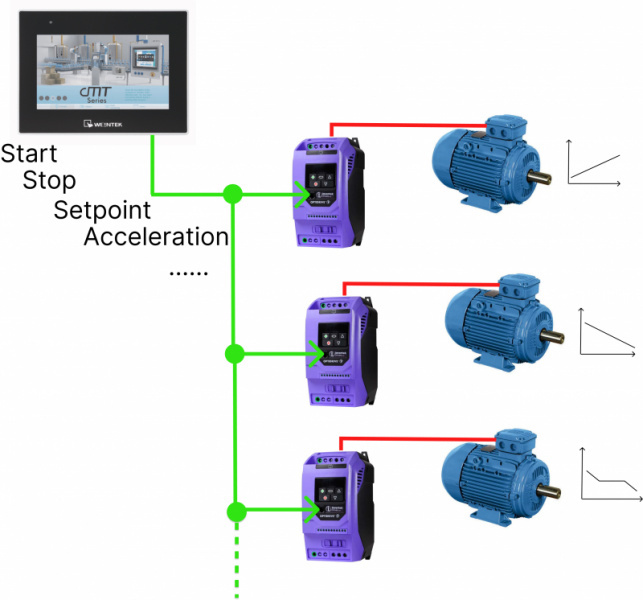
In the following article and video material, you will learn how to set up monitoring of several operating modes at the same time, how to perform control from one device more accurately, so that you can assess the situation in time and react accordingly during the process.
Regardless of whether one or more frequency drives are connected to the HMI, the HMIpanel makes it much easier to browse and change the following parameters:
frequency setpoint
acceleration and braking ramps
current motor current
analog and digital input status frequency converter
PID regulation related parameters and many more
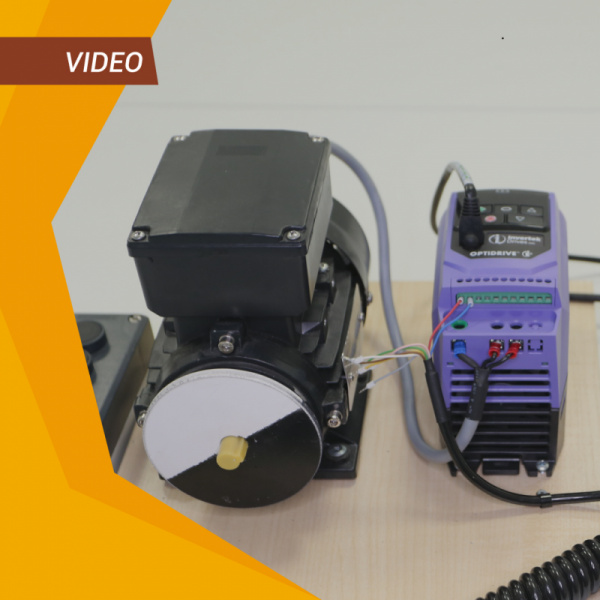
In this video, you will see:
How to configure Invertek Drives side
How to configure the Weintek HMI side
Adding registers for visualization
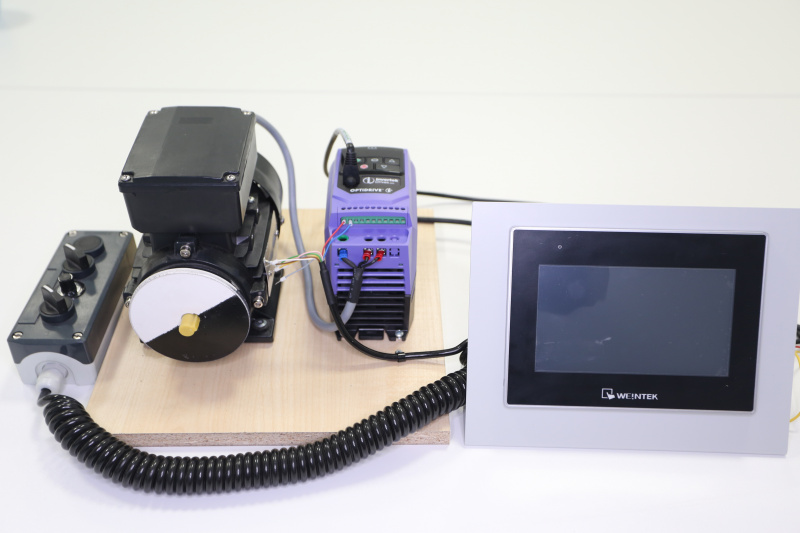
Motor control from HMI
Weintek HMI application:
setting and changing motor speed
changing the configuration parameters of the frequency converter
displaying various informative motor current parameters (current, temperature, etc.)
Weintek HMI technical parameters:
Screen sizes from 7" to 15.6"
2x Modbus RTU, 2x Ethernet connections
Built-in internal memory 4 GB
Powerful 4-core processor
Weintek HMI main advantages:
Free-of-charge visualization development environment
Built-in Modbus RTU communication driver
Excellent price-performance ratio
Available in ZTF Lāsma warehouse
Other articles and videos about Weintek HMI and Invertek Drives frequency converters:

 Facebook
 Google
 LinkedIn